Security

Settings and recommendations to help keep your account secure

You have security recommendations

Recommended actions found in the Security Checkup

Security recommendations

How you sign in to Google

Keep these settings up to date to ensure you can sign in to your Google Account. Google's security systems will surface the most suitable option every time you sign in.

verified_user
2-Step Verification
check_circle On July 3, 2018
chevron_right
password
Password
Last changed: March 24, 2015
chevron_right
phone
Recovery phone
error Add a mobile number
chevron_right
mail
Recovery email
error Add an email address
chevron_right
Google Prompt
Apple iPhone XR
chevron_right

Extra security for your account

More protections against unwanted sign-ins, malicious websites, and risky apps

Enhanced Safe Browsing
Proactive and personalized protections
check_circle On May 5, 2020
chevron_right
Advanced Protection Program
Google's strongest account security
Off
chevron_right

What sign-in options are right for you?

There are many ways you can securely sign in to your Google account.
Take a look at the options we have available for you.

Recommended for 2-Step Verification

This info helps ensure you can always access your account when 2-Step Verification is on

phone
Recovery phone
error Add a mobile number
chevron_right
mail
Recovery email
error Add an email address
chevron_right
Google Prompt
Pixel 3
chevron_right

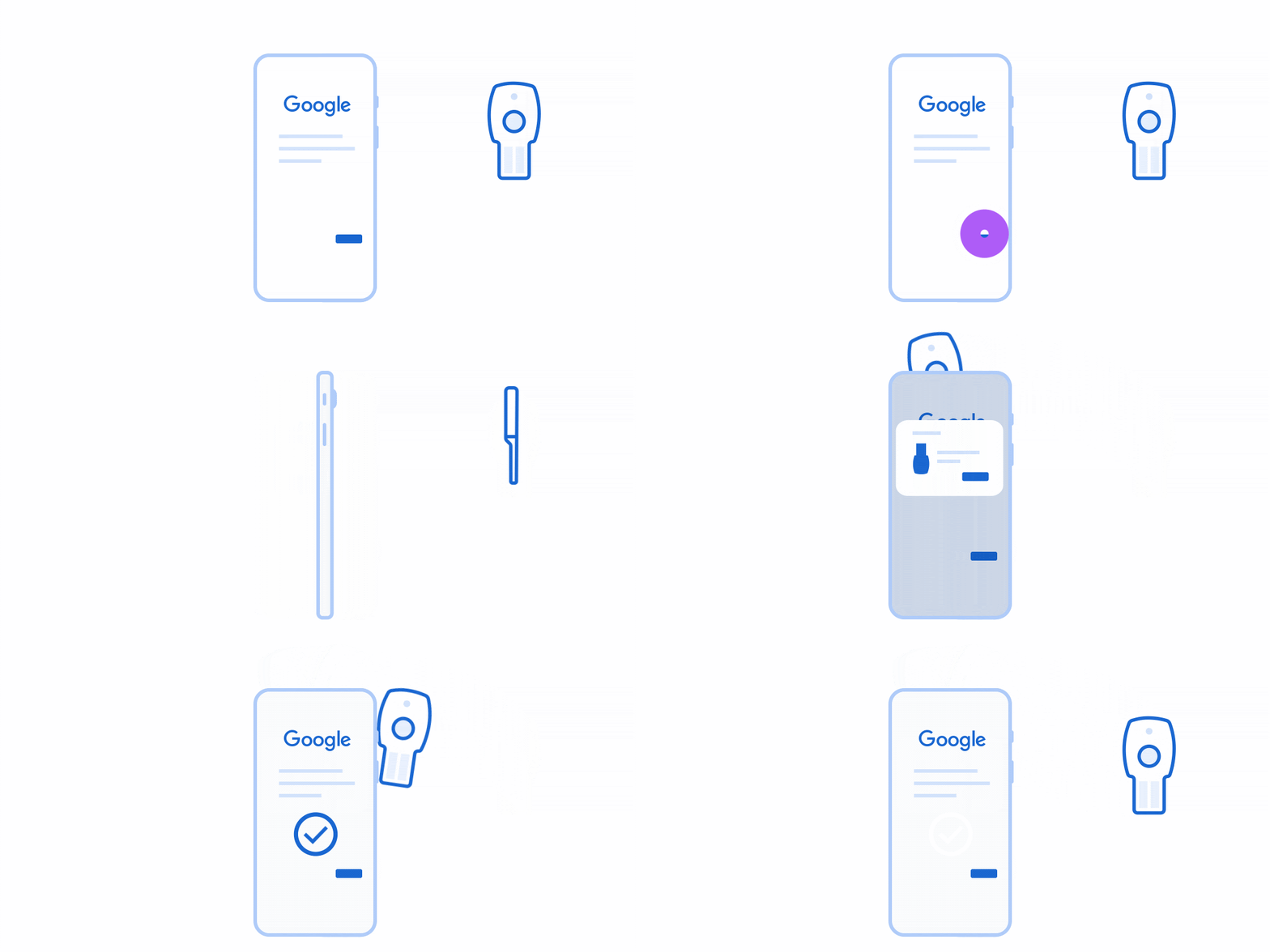
Unphishable: a physical device only you have

Signing in would require both your password and a physical security key, protecting your account even if your password gets stolen

Security keys
2 security keys
chevron_right

Convenient: use your phone to sign in securely

If your phone is always with you, it's the easiest sign-in method

Sign in with your phone
Google's security systems will surface the most suitable option every time you sign in
sms
SMS verification
(415) 555-1234
chevron_right
Authenticator app
Google Authenticator
chevron_right

For backup: printed sign-in codes

Backup codes can be printed and entered when signing in, for example if you travel and Google wants to know it's really you

pin
Backup code
No backup codes
chevron_right